How Accurate Is AI Receipt OCR, Really? A Straight Answer for SMEs
The Monday morning receipt pile
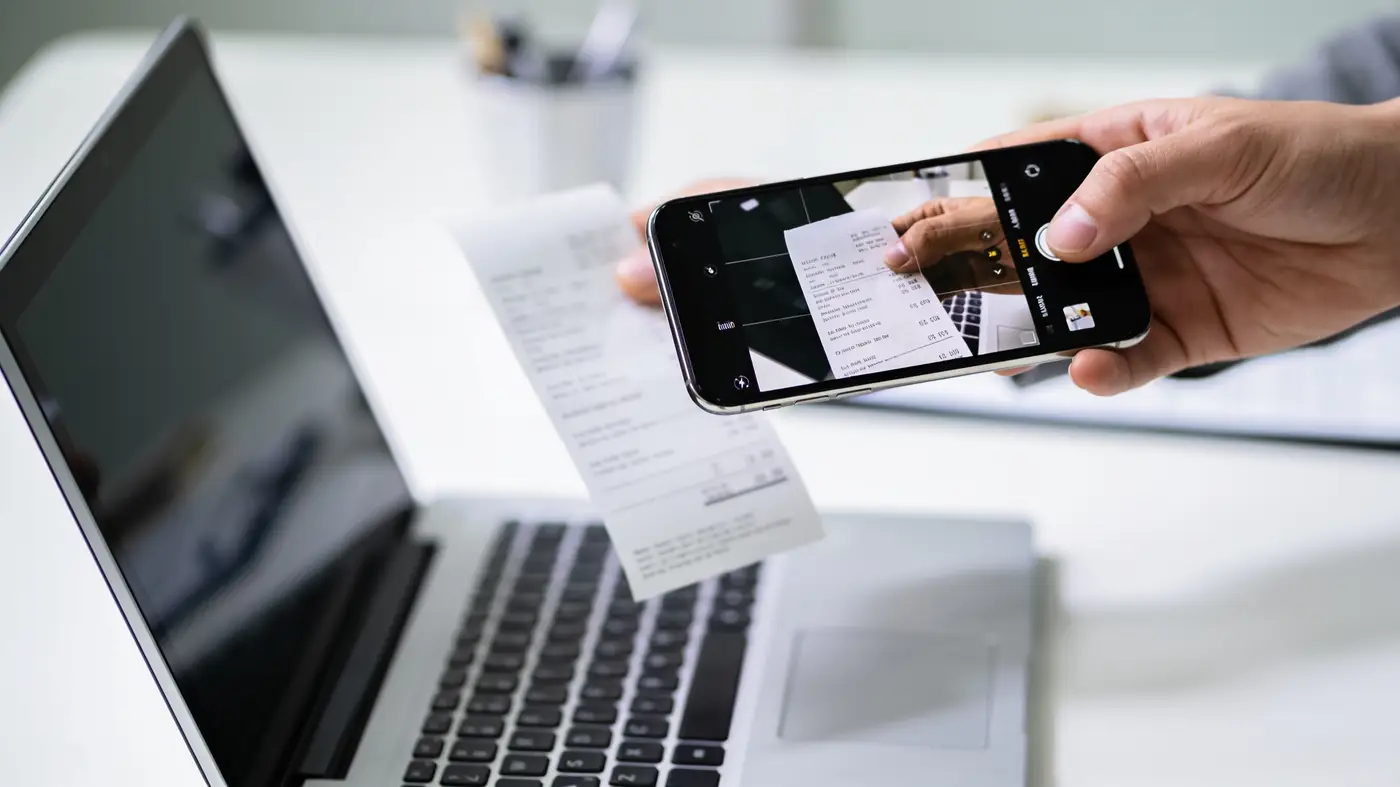
Picture the accounting desk at a mid-size manufacturer on a Monday morning. There's an envelope stuffed with receipts: fuel, spare parts, delivery fees, collected from staff all week. Some arrived as photos on LINE. Some came attached to an email. A few are crumpled paper a site supervisor dropped off in person.
The accounting team's job is to open each one, read the vendor name, the date, the amount, and type it into Excel or Google Sheets, line by line. A faded receipt means squinting twice. A receipt that looks familiar means trying to remember whether it was already entered last week. Multiply that by a hundred-plus receipts a month, and the work eats several days without adding any real value.
What manual entry actually costs
The real cost isn't just "it takes time." It's more specific than that.
- Time: One person can easily spend two to three hours a day just keying receipts. Over a month, that's dozens of hours that could go toward closing the books or actually looking at the numbers.
- Errors: Mistype one digit in an amount and the whole ledger is off, usually discovered only during month-end reconciliation, well after the fact.
- Duplicates: When the same receipt gets sent through two channels (LINE and email both), the odds of entering it twice go up. Without a check in place, that can mean reimbursing the same expense twice without anyone noticing.
- Morale: Repetitive daily data entry is exactly the kind of work that drives good accounting staff to look for a different job.
Where automation actually fits in
The idea is simple: staff keep doing the one thing they already do well, snap a photo and send it, and the system handles everything after that.
How it works, step by step
- Staff photograph the receipt and send it to a LINE group or forward it to a designated email inbox. Barely any change to their existing habit.
- The system reads the image using OCR and pulls out the key fields: vendor name, amount, date, and expense category (fuel, parts, meals, and so on).
- It checks the data for anything off, whether the amount falls in a normal range, whether the date makes sense, and compares it against receipts already logged to catch duplicates. If it recognizes a receipt already entered, it skips logging it again.
- Data that passes these checks gets written straight into Google Sheets, tagged with category and date, ready for accounting to use immediately.
- Anything the system can't read confidently, a faded number, an unfamiliar receipt layout, doesn't get guessed at. It gets flagged for a quick human check before it's logged.
That last step matters most. A good system isn't one that reads everything. It's one that knows when to ask a person instead of guessing.
A real result from a similar setup
We built something on the same principle for WELL LIFE 216, a food and beverage exporter. Their staff used to retype the same order details by hand across several different export documents, a process that ate more than 5 hours a day and produced frequent formatting errors.
After we set up a system where staff enter order data once into Google Sheets and the system generates every document automatically, then emails it out through Gmail, that 5-hour daily task now runs in about a minute, with zero formatting errors. The same principle applies to receipt reading: remove the point where a person retypes the same information, let the system handle the repetitive part accurately, and only involve a person where the system genuinely isn't sure.
The honest answer on accuracy
If a receipt is a clean, machine-printed slip from a cash register, no creases, no fading, OCR reads it with very high accuracy. Barely anything needs a second look.
Accuracy drops when:
- The receipt is handwritten, or photographed in low light with shadows or blur
- A vendor uses an unfamiliar receipt layout, or prints with faded ink
- The paper is creased, folded, or photographed at an angle that distorts the numbers
We don't tell clients to expect 100% accuracy from day one. What's realistic is that the system gets more accurate over time as it learns the receipt formats your business actually deals with, and anything it isn't sure about gets flagged for a person to check rather than silently logged as-is. That matters more than raw accuracy, because the real risk in accounting isn't a number that needs a second look, it's a wrong number nobody ever catches.
One more honest point: if your business only handles a small volume of receipts, say under 20 or 30 a month, the setup cost may not be worth it yet compared to the time you'd actually save. In that case, sticking with manual entry a bit longer is the more sensible call.
See it work on your own receipts first
The most direct way to find out how accurate this would be for your business is to send a few real receipts through and see what comes back. Our services page has a receipt-reading demo you can try before deciding anything. Or just message us on LINE and we'll walk through it together, no cost, and you'll have a real answer faster than reading ten more articles on the topic.