
Florist
Phakamas
Update stock from a LINE menu
We built a LINE menu connected to Google Sheets for Phakamas. The team could choose a product and enter a stock change from the chat. This case describes a past project.
 Phakamas
Update stock
Choose the product you want to update.
 Google SheetsLINE
The problem:
The task was to make stock updates available from the LINE chat the team used, with the record kept in Google Sheets. The input needed a clear product and quantity, not a vague message for someone else to interpret.
The brief
- Provide a clear place to enter an item and a stock change.
- Connect that input to the shop’s stock sheet.
What we built
- A guided LINE menu for selecting an item and entering a quantity.
- The submitted change was recorded in Google Sheets.
How we
solved it
We connected the menu, the product selection and the stock record into one workflow.
Follow one stock update
Reconstructed screens with fictional data. Select each step to see what changed; these are not live client records.
Opening the menu starts the input flow. The quantity has not changed yet.
 LINE
LINEStaff
Update stock
Stock menu
Choose the product you want to update.
Example data only · not a client export
| # | Product | Quantity | Reorder at |
|---|---|---|---|
| 2 | Example item A | 40 | 15 |
| 3 | Example item B | 45 | 20 |
| 4 | Example item C | 18 | 10 |
Example data only · not a client export
What was
delivered
A LINE menu linked to a stock sheet
The delivered workflow let the team select an item, enter a quantity and send the change to Google Sheets from LINE.
Past project. Current usage and measured time savings have not been verified, so neither is claimed here.
What the team still handles
Staff still needed to choose the correct product, enter the actual quantity and check the sheet against physical stock.
Have a similar task?

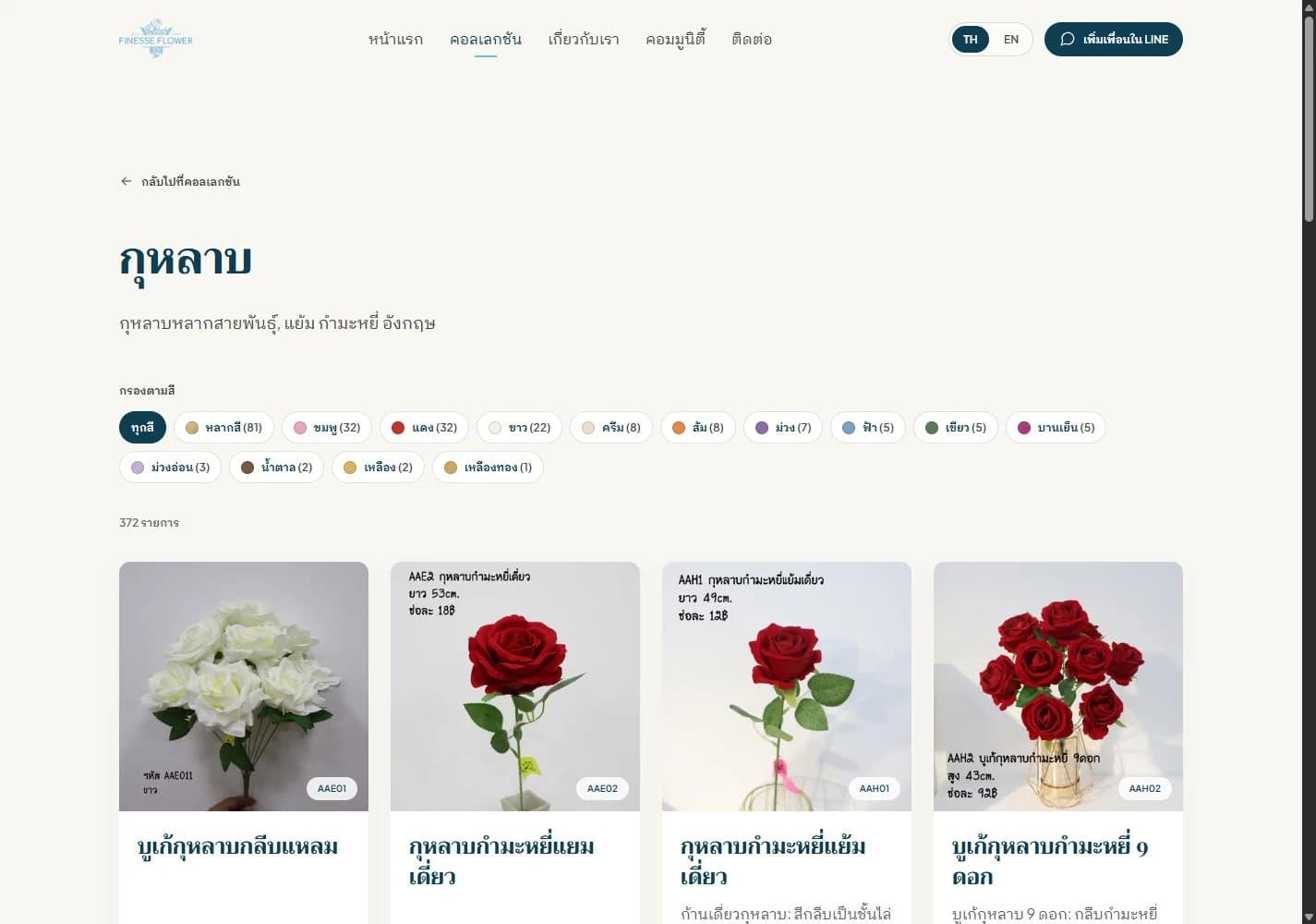

Artificial flowers · family business
Help customers find the right flowers
Website delivered; assistant in prototype testing
 HukDok
How many units of Product A are left?
Product A: 18 units in stock
Google SheetsLINEArtificial flowers
Stock checks on LINE. Connected to your sheet.
annual service renewed
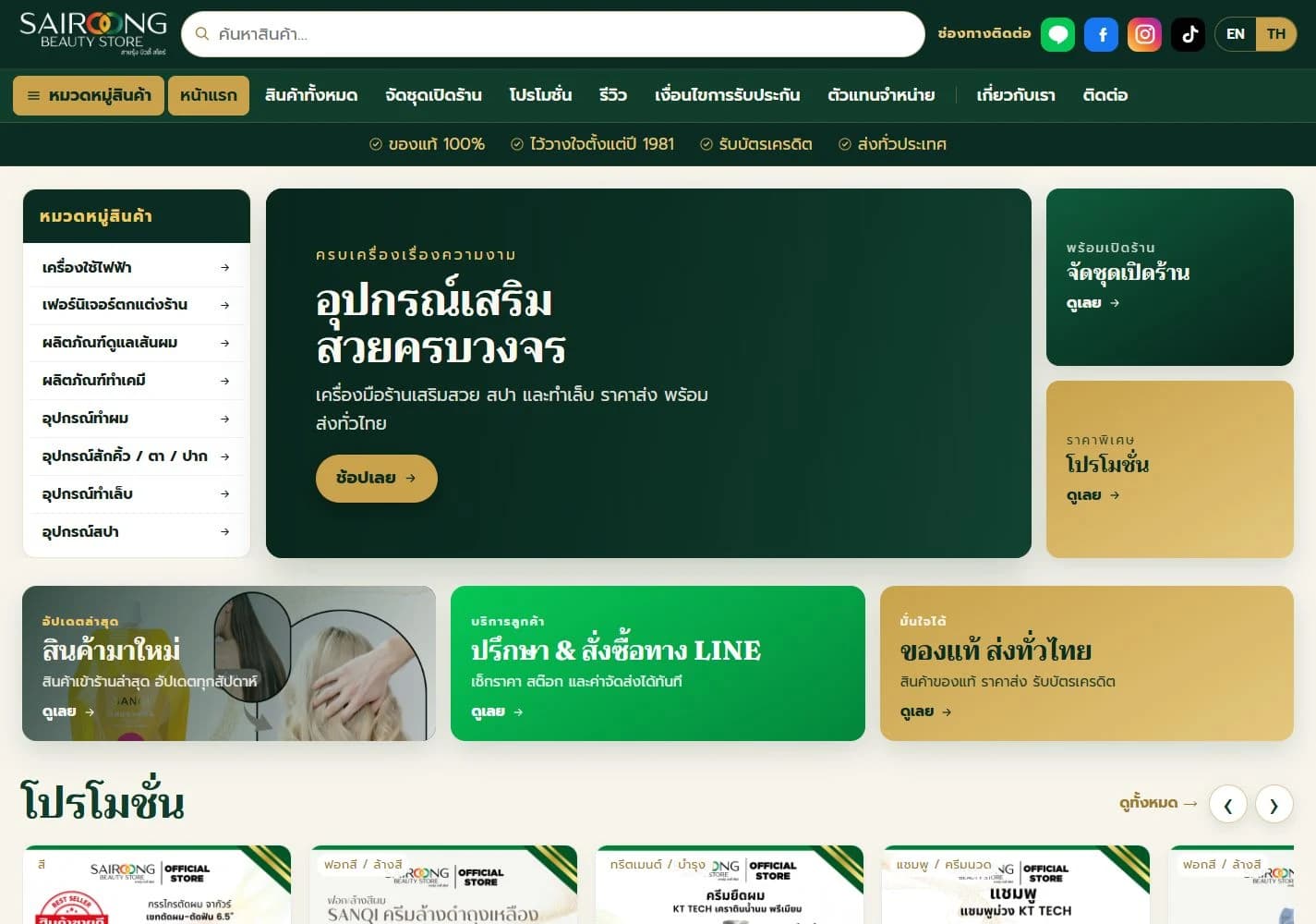
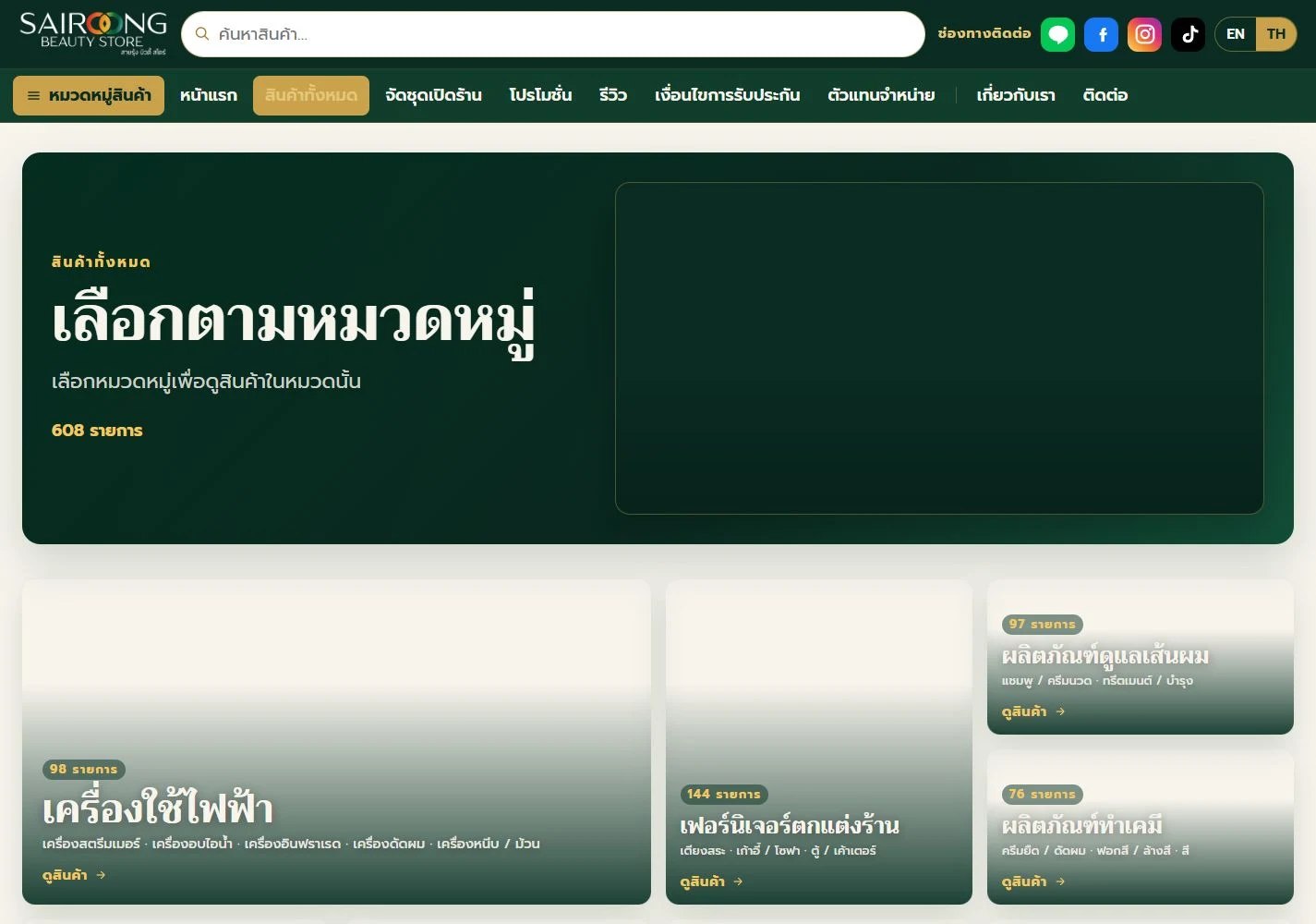

Salon equipment and beauty supplies
A clearer way to find salon supplies
Website with direct contact links
Have a system or website in mind?
Tell us what you want to improve. We will help define the scope and a suitable starting point.
Or call us, Monday to Friday, 10:00–20:00.

@vivavizion